Simple Start for VS Code
Simple Start is a clean startup dashboard for empty VS Code windows. Published by ElectricPants as simple-start (version 1.0), it helps you choose a project from one place and get to work quickly.
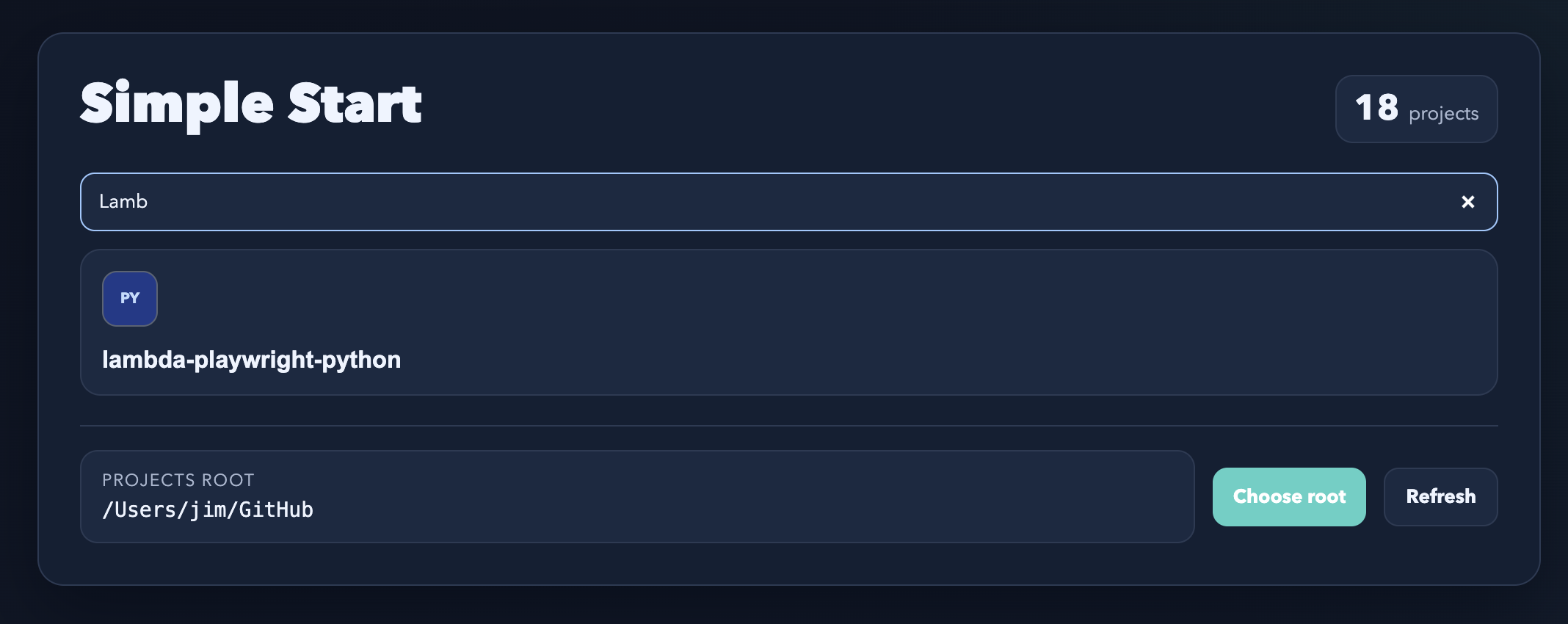
A focused project picker
Point Simple Start at the folder that contains your projects. It lists that folder’s immediate child folders as project cards, lets you filter them by name, and opens the project you choose in the current window.
Each card uses the best project icon it can find, preferring higher-resolution app and website icons over tiny favicons. When a project has no suitable icon file, Simple Start generates a type-based fallback icon instead.
Install
Quick start
- Install Simple Start.
- Set Workbench: Startup Editor to
none. - Run simple-start: Select Projects Root and choose the parent folder that contains your projects.
- Open a new empty VS Code window.
- Choose a project card to open it.
If the page does not open automatically, run simple-start: Open Start Page.
Commands
- simple-start: Open Start Page — Opens the Simple Start page.
- simple-start: Select Projects Root — Chooses the parent folder that contains your projects.
- simple-start: Refresh Start Page — Clears the project icon cache and refreshes the page.
Configuration
simpleStart.openOnStartup— Opens Simple Start when VS Code launches with no folder or workspace open and Workbench: Startup Editor is set tonone. It is enabled by default.simpleStart.projectsRoot— The absolute path to the folder that contains your project folders.simpleStart.applicationIconMap— Maps application names to candidate icon paths relative to each project root. Matching project names use those paths first when Simple Start looks for an icon.
Troubleshooting
The start page does not open
Set Workbench: Startup Editor to none and make sure no folder or workspace is open. You can also run simple-start: Open Start Page directly.
The project icon is wrong or blurry
Run simple-start: Refresh Start Page to clear the icon cache and re-rank the available icon candidates.
No projects are listed
Check simpleStart.projectsRoot and make sure it points to a folder with project folders directly inside it.